
Still Patching Servers at 2 AM? Stop.
Here are five API keys that let AI handle it instead

Most infrastructure teams are still running like it’s 2020.
Someone checks the dashboards. Someone else restarts a container. An incident goes unnoticed until 2:00 am, when a bleary-eyed engineer is manually patching a production server, wondering how they got there.
If that sounds familiar, this article is for you.
By 2026, AI-driven infrastructure is no longer a future concept. It is happening right now, and the teams that figure this out early will move significantly faster than everyone else.
The Misconception Slowing Everyone Down
Most people assume the magic of AI is in the model. Smarter reasoning, bigger context windows, more parameters.
That is not where the value is.
The real change is operational context. An AI agent that can see your logs, access your deployments, read your GitHub history, inspect your infrastructure, and create pull requests is not a chatbot anymore. It becomes an operational layer.
We are moving from AI as assistant to AI as operator. That is the change.
And the good news? You do not need AGI to get there. We are talking about four or five API connections, scoped permissions, and the willingness to actually wire it all up.
What AI-Connected Infrastructure Actually Looks Like
Here is the exact access I give to AI systems, and why each one matters.
Connection 1: Cloudflare
Cloudflare is step one, and you want to do it quickly. This is not just DNS.
Give your AI agent access to:
Firewall events and WAF rules
Caching and rate limiting
Bot traffic and tunnels
Security centre events and analytics
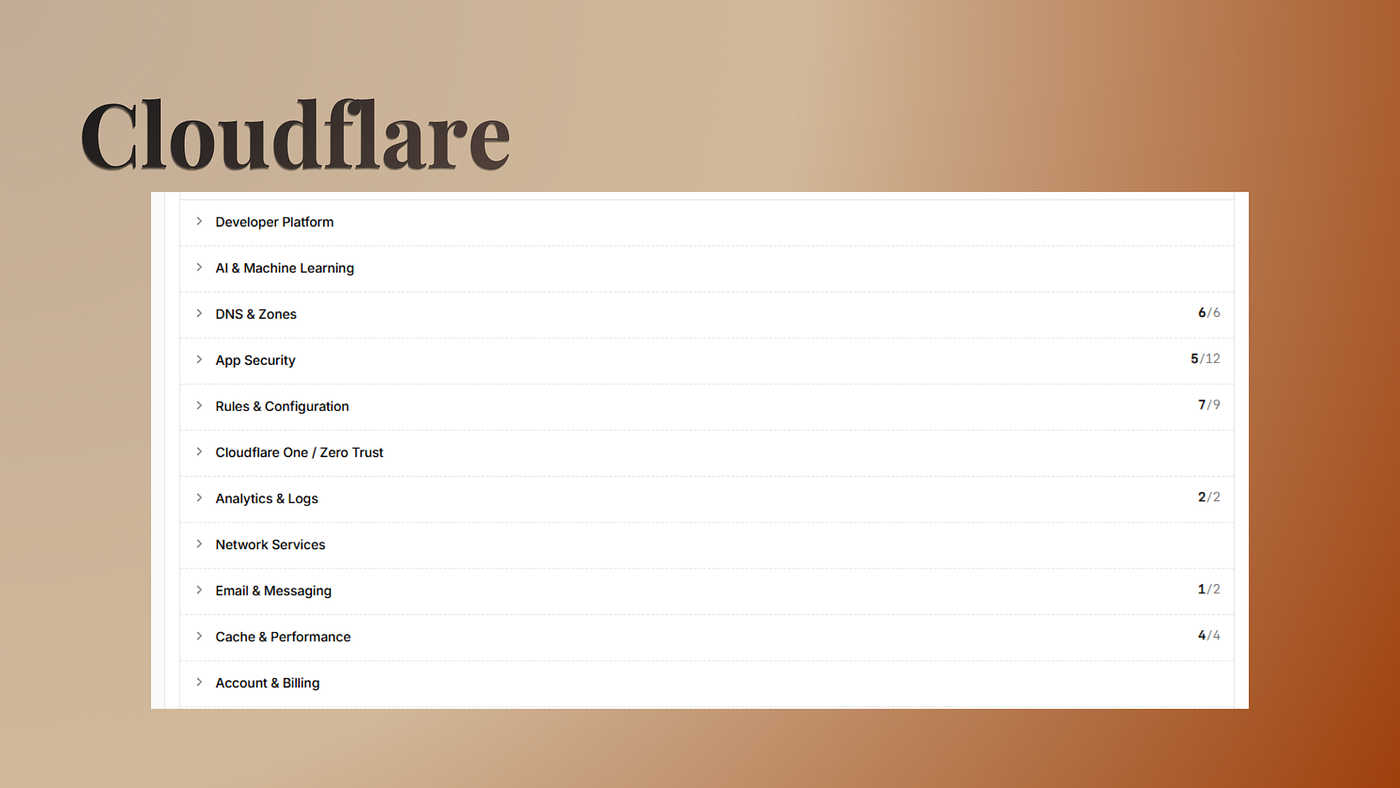
This matters more than you think: your Cloudflare layer tells you what is happening before your application does.
Picture this. There is a sudden spike in bot traffic at 3:00 am. Normally nobody notices until the service starts struggling. But an AI agent with Cloudflare access can detect the anomaly, inspect the source, apply firewall rules, invalidate cache, increase rate limiting, and open a GitHub issue automatically before anyone is even awake.
That is not AGI. That is just connected infrastructure.
Connection 2: Google Services
Infrastructure is not just servers. It also includes SEO analytics, core web vitals, conversion tracking, search performance, Lighthouse scores, and user behaviour.
Give your agent a Google service account, and you get access to:
Google Search Console
PageSpeed Insights
Google Analytics
Google Tag Manager
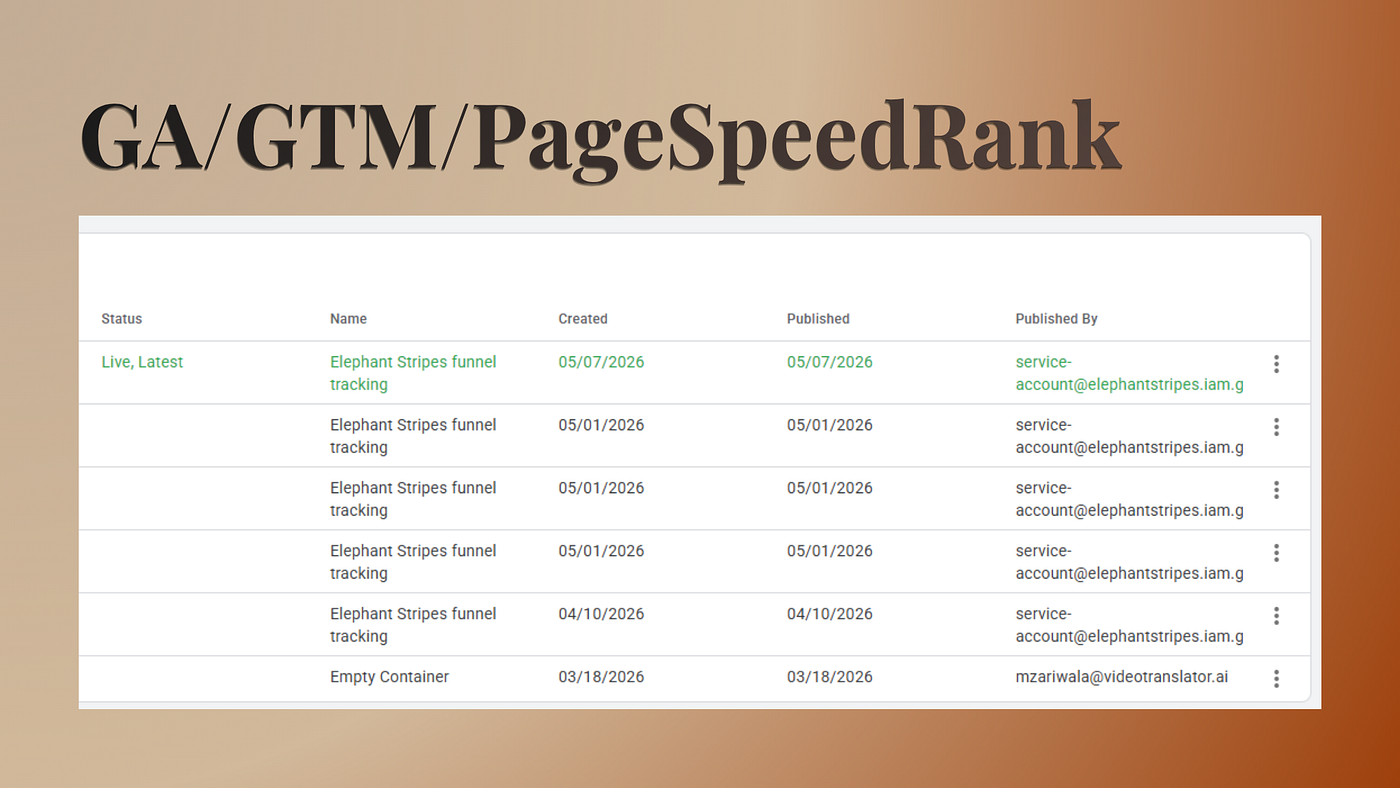
Here is a practical example: A new frontend update gets deployed. The site technically works, but core web vitals collapse, the CLS score spikes, and mobile performance tanks. Without monitoring, you would not notice until users started complaining.
An AI agent with Google access can detect performance regression, compare it against the deployment history, identify the offending commit, generate a fix, and automatically open a PR.
Run this check after every deployment. Or have an agent do it every hour. Either way, you will catch issues before they catch you.
Your infrastructure should understand business impact, not just CPU usage.
Connection 3: Production Server Access
This is the part that makes people uncomfortable. Giving the AI controlled access to your production infrastructure feels risky. I get it.
But honestly? It is where the biggest operational gains happen.
The key is doing it right. Scoped access to:
nginx, Docker, or PM2
Logs and containers
SSL status and disk usage
Service health and deployment state
You want least-privilege access, audit logging, isolated permissions, and approval workflows. With those guardrails in place, the system becomes genuinely powerful.
A practical flow: deployment fails. The AI checks GitHub Actions, reads the Docker logs, identifies the issue, patches the Dockerfile, updates the environment config, opens a PR, explains the root cause, and adds a changelog. Done.
I honestly cannot remember the last time I deployed something manually. I have a skill book where I store deployment instructions per project. I just say, “read the skill book, deploy this,” and it handles it.
That is not science fiction. You don’t need to wait for AGI. You can do this right now.
Connection 4: Email Infrastructure
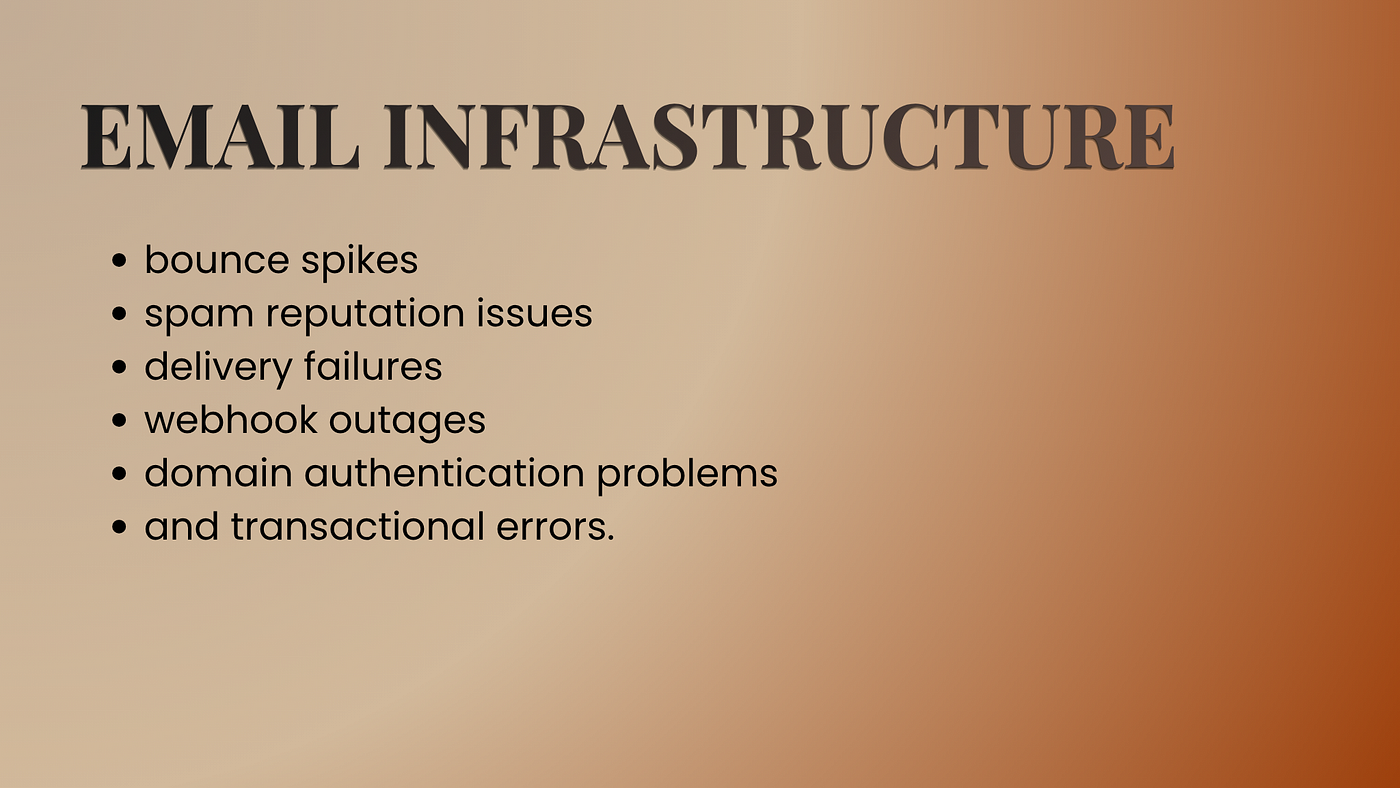
Most teams completely ignore email infrastructure until it breaks. Then password resets fail. Onboarding emails disappear. Invoices stop sending. It is painful.
Give your AI access to your email platform, whether that is Mailchimp, Mailjet, or something else.
A simple workflow we use: after every CMS deployment, the agent fills out the contact form, clicks send, confirms the email arrives, and verifies SPF and DMARC records against Cloudflare’s security centre.
You want to know your emails are failing before your customers figure it out.
Connection 5: GitHub
GitHub access is what makes the entire thing collaborative. With it, your agent can:
Inspect CI/CD failures
Read deployment logs
Compare commits
Generate patches and create PRs
Track recurring failures over time
The infrastructure becomes self-documenting. Every incident gets logged. Every fix has a paper trail. Every regression is traceable.
One More Thing: Secrets Management
Once you connect everything, you face a new problem:
How do you manage secrets?
The wrong way: keys scattered across individual developer environment files, shared on Slack, with stale credentials nobody has rotated, and the occasional accidental commit of a secrets folder to a public repository. This is more common than anyone wants to admit.
The right way: a centralised secrets manager. We use 1Password for this. One source of truth for the team. Credentials rotate properly. Environments stay consistent. AI systems can retrieve scoped secrets when they need them without anyone having to copy-paste a key into a chat message.
The practical test: if someone on your team asks “which API key is production using right now,” that question should have an instant, correct answer from one system. If it does not, secrets management is a problem worth solving before you connect anything else.
The Bigger Picture
The companies that win in 2026 will not necessarily have the best engineering teams. They will have the best connected infrastructure.
The future of infrastructure is not humans doing less work. It is humans building systems that can operate safely on their own. Observable. Repairable. Adaptive. Autonomous.
Giving AI operational access is quickly becoming table stakes. And all of this, from Cloudflare to GitHub to email to production, comes down to roughly five API keys. It is not complicated to set up.
The teams that figure this out will move faster than everyone else. The teams that wait for it to feel safe will be catching up.
Consider this question: Are you already giving AI systems operational access? Or does it still feel too risky?
Would love to know how you are approaching this! Drop a comment below.
If you found this useful, subscribe to Elephant Stripes’ YouTube channel for more content on AI-native infrastructure, autonomous operations, and where engineering teams are headed.